Photos or a product link
Add up to 10 product photos, or paste a link from Shopee, TikTok Shop, Shopify or Amazon. AI fills in the name, selling points, price and audience for you to check.
 Vidmerce
Add a few product photos or paste a product link. Vidmerce writes the script, generates every scene with AI and exports a video framed for TikTok Shop, Shopee, Shopify and Amazon.
No filming, no editing timeline. Start from what you already have, a product photo or a product page, and get a ready-to-post video.
Add up to 10 product photos, or paste a link from Shopee, TikTok Shop, Shopify or Amazon. AI fills in the name, selling points, price and audience for you to check.
Pick one of three opening hooks written for the first 3 seconds, then edit any line. Writing and editing the script costs no credits.
Each scene is generated from your product photos in the style you picked. A scene that fails to generate is refunded automatically.
Choose several channels at once: 9:16 for TikTok Shop and Shopee, square for Shopify, 16:9 for Amazon, or a custom frame for anywhere else.
Script lines are burned in as captions you can edit without re-rendering. Copy the post caption and hashtags in one tap.
Videos carry an “AI-generated content” label, always on for AI presenter videos. Vidmerce never presents an AI presenter as a real customer.
Cover images from the style catalog in the app. New styles are added on the server, so the list grows without an app update.
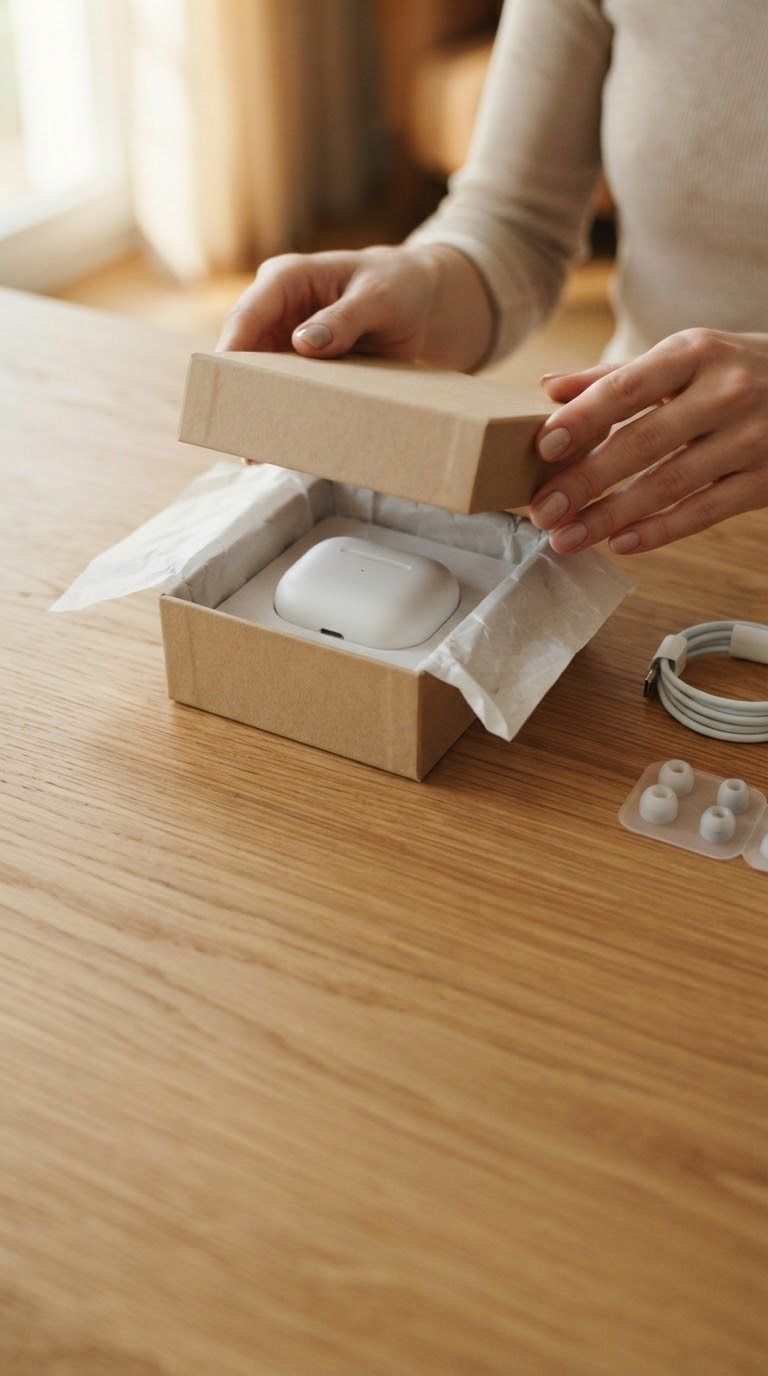

Upload product photos or paste a product link. Check the details AI filled in.
Choose a video style, the channels you sell on and a length.
Choose a hook and adjust each scene's line. No credits needed.
Scenes render in parallel. Leave the screen and turn on a notification to know when it's ready.
Save each frame to Photos, copy the caption and upload it to your channel.
Vidmerce saves the finished videos to Photos with a caption ready to paste. Direct posting to shops is not available yet, so each channel gets a short upload guide instead.
Upload from TikTok and turn on its AI-generated content label.
Upload in Shopee Video, then tag the product from your shop.
Add the video to your product's media in Shopify Admin.
Upload in Seller Central and link it to your ASIN.
Pick 9:16, 1:1 or 16:9 for Facebook, Instagram, YouTube or your website.
Marketplaces and shoppers expect honesty about AI content. Vidmerce builds that in rather than leaving it to you.
Vidmerce is an iPhone and iPad app that turns product photos, or a product page link, into short sales videos with AI. It writes the script, generates each scene, adds captions and exports the video in the right frame for TikTok Shop, Shopee, Shopify, Amazon and other channels.
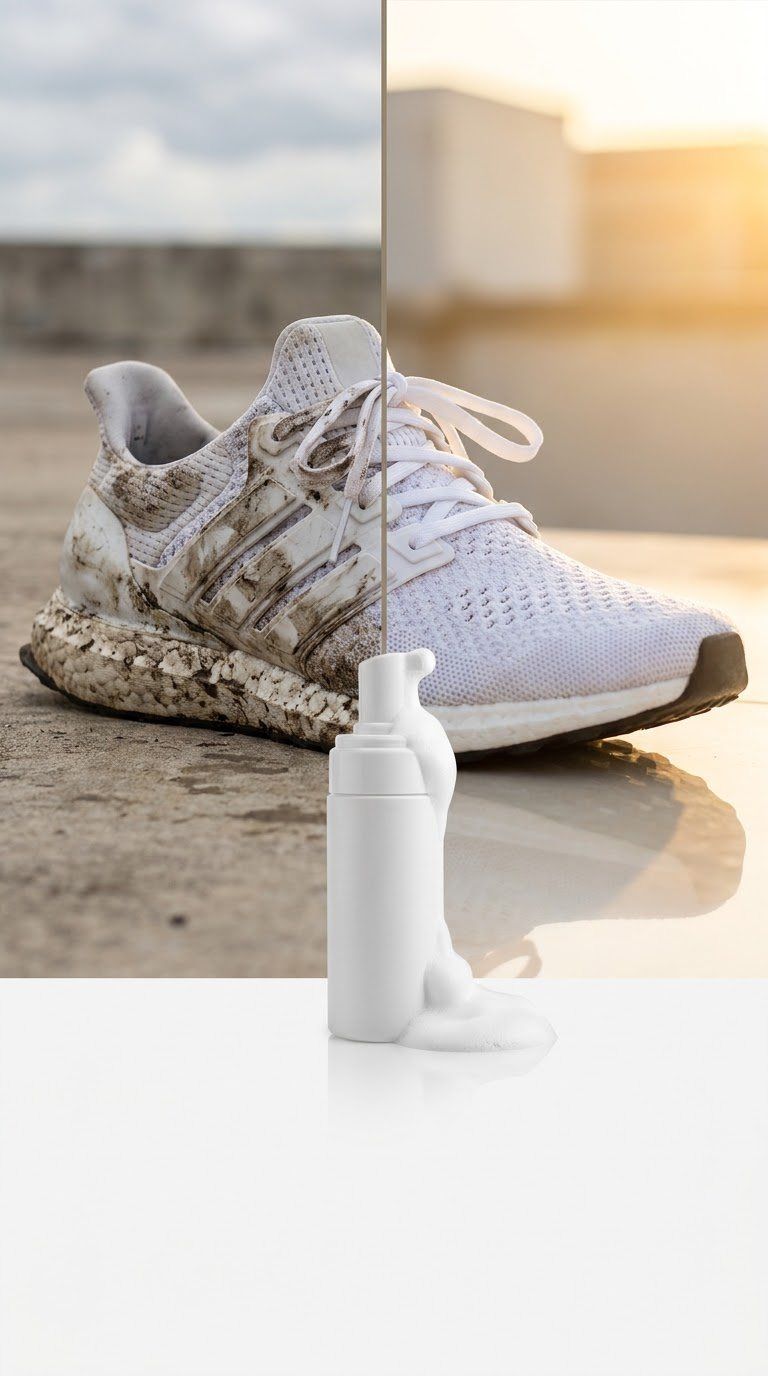
No. A few clear product photos are enough. Sharp photos on a clean background give the best results. Some styles, such as Before & after, ask for a second photo.
Each generated scene costs credits, and the app shows the total before you generate. Writing the script, editing lines and previewing are free. A scene that fails to generate is refunded automatically. New accounts get starter credits, and you can buy credit packs or a subscription in the app.
Not yet. Vidmerce saves the videos to Photos and copies the caption and hashtags, then shows you where to upload them on each channel.
No. The presenter is generated by AI, and those videos always carry an “AI-generated content” label. When you post, also turn on the platform's own AI label, such as TikTok's AI-generated content setting.
English, Vietnamese, Spanish, Portuguese (Brazil), French, German, Italian, Russian, Japanese, Korean, Simplified Chinese and Indonesian. Scripts are written in the language you pick in Account › Settings › Language.
No sign-up. Vidmerce creates an anonymous account linked to your device the first time you open it. To delete it and everything on our servers, see the Delete data page.